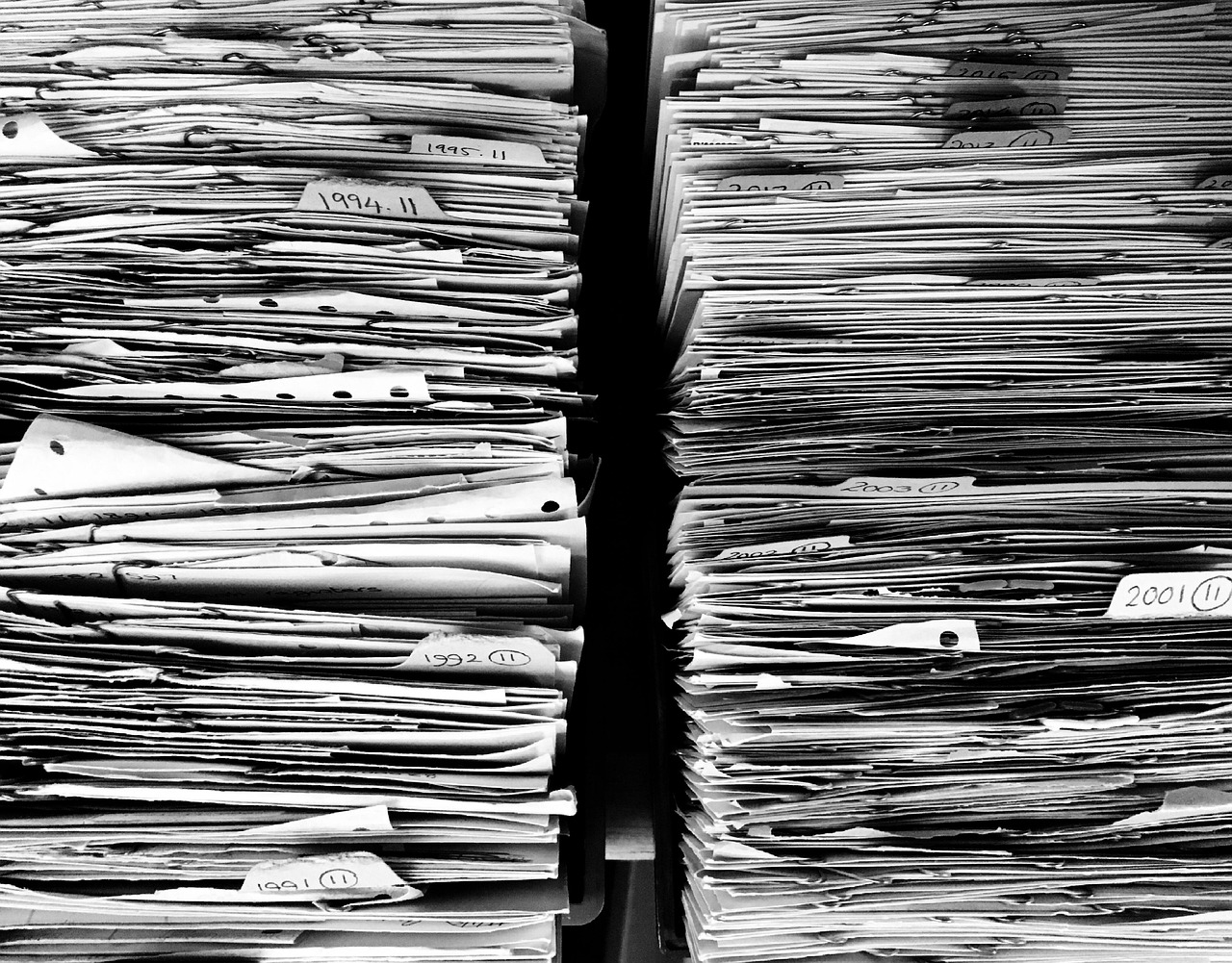
Let’s talk about the Paper Monster. You know the one: the overflowing file folders, mystery receipts in coat pockets, and the chaotic shoebox that only appears at tax time. For small business owners across Canada, paper clutter isn’t just annoying—it’s a productivity and financial planning problem. But here’s the good news: you can tame it.
Going paperless doesn’t mean turning your office into a tech showroom or learning complex systems. It means creating smart, simple workflows that reduce stress, save time, and give you clear visibility into your finances. As a professional bookkeeper, I’ve helped many small business owners take the leap, and I promise it’s not as scary (or as complicated) as it seems.
Let’s dig into some practical, proven hacks to help you say goodbye to the Paper Monster—and hello to a calmer, more organized bookkeeping system.
Why Paperless Bookkeeping Is Worth It
Aside from clearing up physical space, going paperless has some real, measurable benefits:
- Saves time: No more digging through piles or reprinting lost invoices
- Reduces stress: Your documents are backed up and searchable
- Improves accuracy: Fewer manual errors and better audit trails
- Ensures CRA compliance: Yes, digital receipts and records are valid in Canada—if they’re legible and stored properly
- Supports remote work: Access your records from anywhere
Going paperless is not about perfection. It’s about progress—and making your life easier.
Hack #1: Set Up a Simple Receipt Workflow
Receipts are where most paper clutter begins. Whether it’s gas, meals, supplies, or postage, paper receipts tend to multiply like rabbits. Here’s a few ways to stop the madness:
- Snap and toss: As soon as you get a receipt, take a photo using your accounting software’s mobile app (Xero), then toss it into a bankers box for storage
- Forward digital receipts: Create a dedicated email like receipts@yourbusiness.ca and auto-forward all e-receipts to it
- Use a receipt app: Tools like Hubdoc automatically extract data and match receipts to transactions
CRA Tip: You are allowed to store receipts electronically if they’re readable, backed up, and available on request. CRA has very specific rules on keeping records – please review their guidelines very carefully before destroying any paper documents.
Hack #2: Digitize Old Paper Files (Yes, You Can)
If you’ve been in business for a while, chances are you have years of old invoices, contracts, and statements sitting in filing cabinets. You don’t need to scan everything, but here’s how to start smart:
- Scan what matters most: Tax filings, business registrations, contracts, and key financial documents
- Sort by year: Create folders like “2021 Receipts” or “2023 Invoices”
- Use a scanner app: If you don’t have a scanner, try apps like Adobe Scan or Genius Scan on your phone
- Back it up: Store everything in a cloud platform like Sync, Google Drive, Dropbox, or OneDrive—and back it up regularly
Tackling old files in chunks (even just 10–15 minutes a day) keeps it from feeling overwhelming.
Hack #3: Go Digital With Invoices and Statements
Still handwriting invoices or mailing printed ones to clients? Time for an upgrade. Moving to digital invoicing can:
- Save you time
- Help you get paid faster
- Automatically track who’s paid and who hasn’t
All major accounting platforms let you create branded digital invoices. Bonus: Many even let your clients pay online with one click. That means less waiting, less follow-up, and no printing required.
And for vendor payments? Request digital invoices or statements whenever possible, it makes your workflow cleaner and your document storage much easier to manage.
Hack #4: Create a Digital Filing System That Works for *You*
One of the biggest frustrations with going paperless is not knowing where things go. A simple, consistent folder structure makes all the difference.
Here’s a structure that works well for most small business owners:
📁 Bookkeeping
├── 2025
│ ├── Receipts
│ ├── Invoices (Sent)
│ ├── Bills (Received)
│ ├── Bank Statements
│ └── CRA Documents
├── 2024
└── 2023
Add subfolders for specific vendors or clients if needed. Use file names like 2025-07-15_ClientName_Invoice123.pdf so you can find things quickly.
Bonus: Most cloud platforms have a search bar. A good file name means you can find what you need in seconds.
Hack #5: Automate What You Can
Automation is your best friend when it comes to reducing paperwork. Here are a few easy wins:
- Bank feeds: Link your bank and credit cards to your accounting software for real-time transaction imports
- Recurring invoices or bills: Set these up once and let them run automatically
- Auto-save emails: Create rules in your inbox to forward receipts to a bookkeeping folder, directly to your receipt capturing app, like Hubdoc or to your bookkeeper
- Monthly report scheduling: Most software lets you schedule your income statement or balance sheet to be emailed to you each month—no printing necessary
Automation doesn’t have to be complex. Even a few clicks can save you hours down the road.
Hack #6: Don’t Wait Until Tax Time
One of the most common reasons the Paper Monster grows out of control is that everything gets left until the tax season.
Instead, try this:
- Set aside 10–15 minutes a week to upload receipts, check transactions, and file documents
- Use a checklist or dashboard to track what’s been done
- Work with a professional bookkeeper monthly or quarterly instead of yearly
Keeping up with your books regularly prevents that overwhelming feeling, last-minute scrambling and it gives your tax preparer everything they need right away.
Hack #7: Team Up with a Professional Bookkeeper (Who Loves the Paperless Life)
Going paperless is easier when you have someone in your corner. Many bookkeepers today work entirely online, using cloud software, shared drives, and automated tools to keep your books tidy and up to date.
A good professional bookkeeper can:
- Set up your digital systems
- Help you choose the right tools
- Train you (or your team) to maintain a paperless workflow
- Keep your books CRA-ready and compliant
You don’t have to figure it all out on your own—and once the Paper Monster is tamed, you’ll wonder why you didn’t do it sooner.
Final Thoughts: Your Business Deserves a Paperless Fresh Start
Paper might have been the standard for generations, but in today’s fast-moving business world, it’s time for smarter systems. You don’t need to be a tech expert or buy fancy equipment. With a few simple hacks and the right tools, you can create a bookkeeping system that’s clean, efficient, and stress-free. So, grab your phone, scan that receipt, and take the first step. The Paper Monster doesn’t stand a chance.